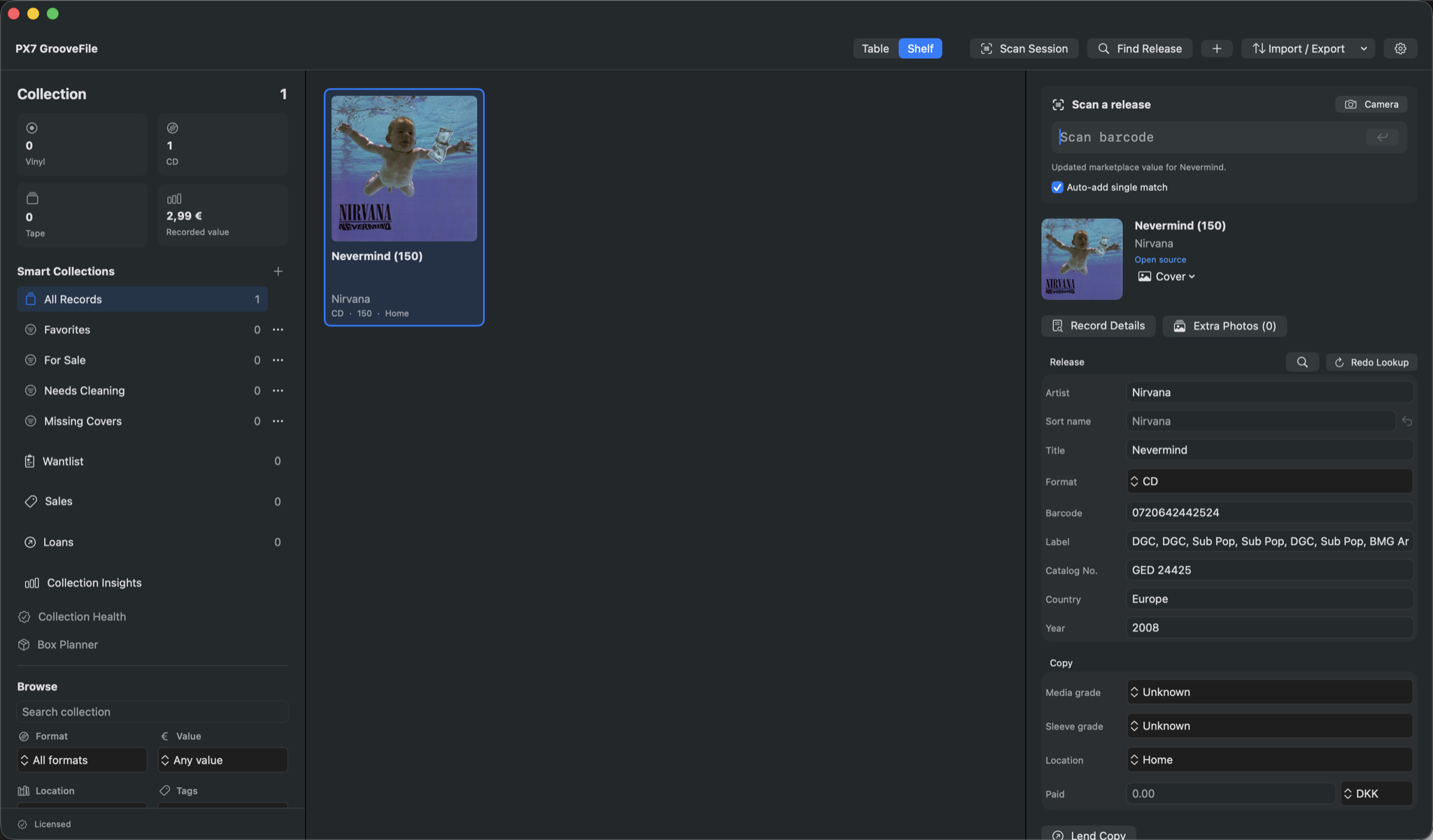
Build a useful record catalogue
Start with the information you will actually use: artist, title, format, edition and shelf or box. Add a barcode lookup where available, or search by artist, title and catalogue number. Work through a small stack before committing to the rest of your collection.
A barcode cannot prove a pressing
Reissues and different pressings can share a barcode. Compare the label, country and catalogue number with your record. Inspect the physical copy when details disagree. GrooveFile can retain matrix and runout markings and photos, but a suggested database match is not authentication.
Separate the release from the copy
Two copies of one edition may have different sleeve wear, media condition or storage locations. Keep these details per copy instead of overwriting one record with another. Add photographs of labels, runouts and visible wear so you have a reference beside the catalogue entry.
Give every box a name
Consistent locations make the catalogue useful outside the screen. Use a simple naming system such as Room / Shelf / Box, then record it when you add a copy. Browse covers or search the table to find the record and its location. Update that location when you move the record.
Keep a portable record of the collection
CSV and Markdown exports let you reuse collection information. Keep an independent backup as well. Your collection is stored locally; online metadata and artwork lookups still need a connection. Optional Discogs access uses a personal token. Start with the Mac catalogue; phone features are not needed for this workflow.